Load your subscriptions
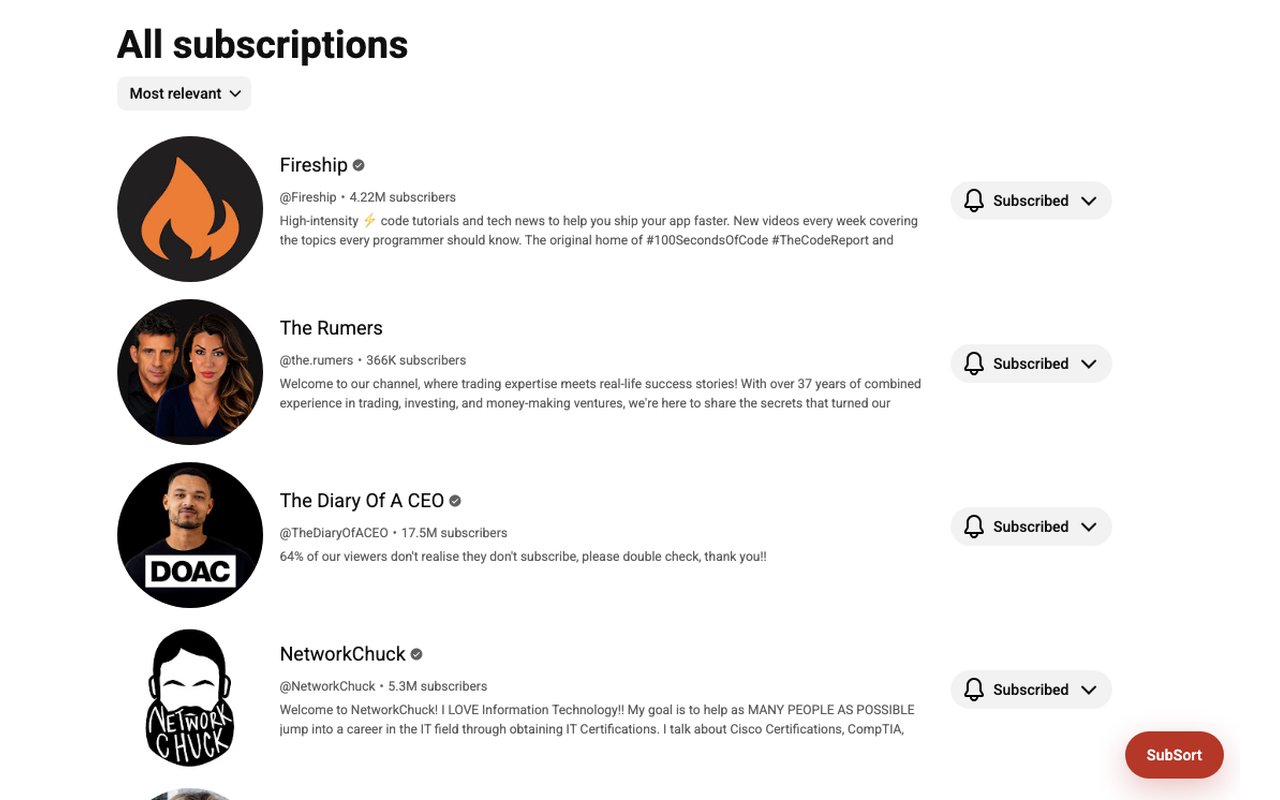
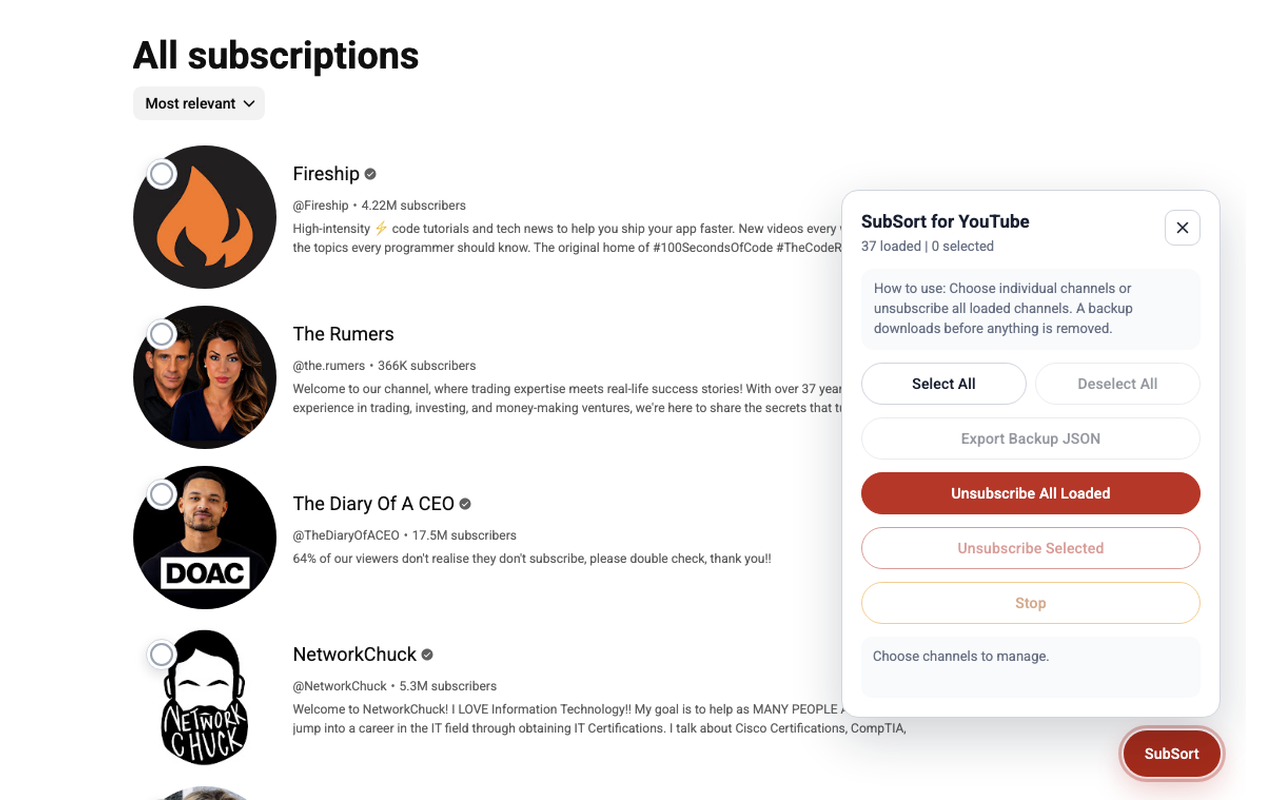
Open the subscriptions page and let SubSort surface a compact action panel once the visible channels are ready.
 SubSort
GitHub
SubSort
GitHub
SubSort gives you a calm control panel for loaded YouTube subscriptions: choose channels, download a local backup, and unsubscribe with more confidence.
YouTube's subscriptions page is great for browsing, but it is not built for larger cleanup sessions. SubSort adds selection controls directly where you are already reviewing channels.
Work from the YouTube subscriptions list, select only the channels you want to manage, and keep a JSON backup before anything changes.
Open the subscriptions page and let SubSort surface a compact action panel once the visible channels are ready.
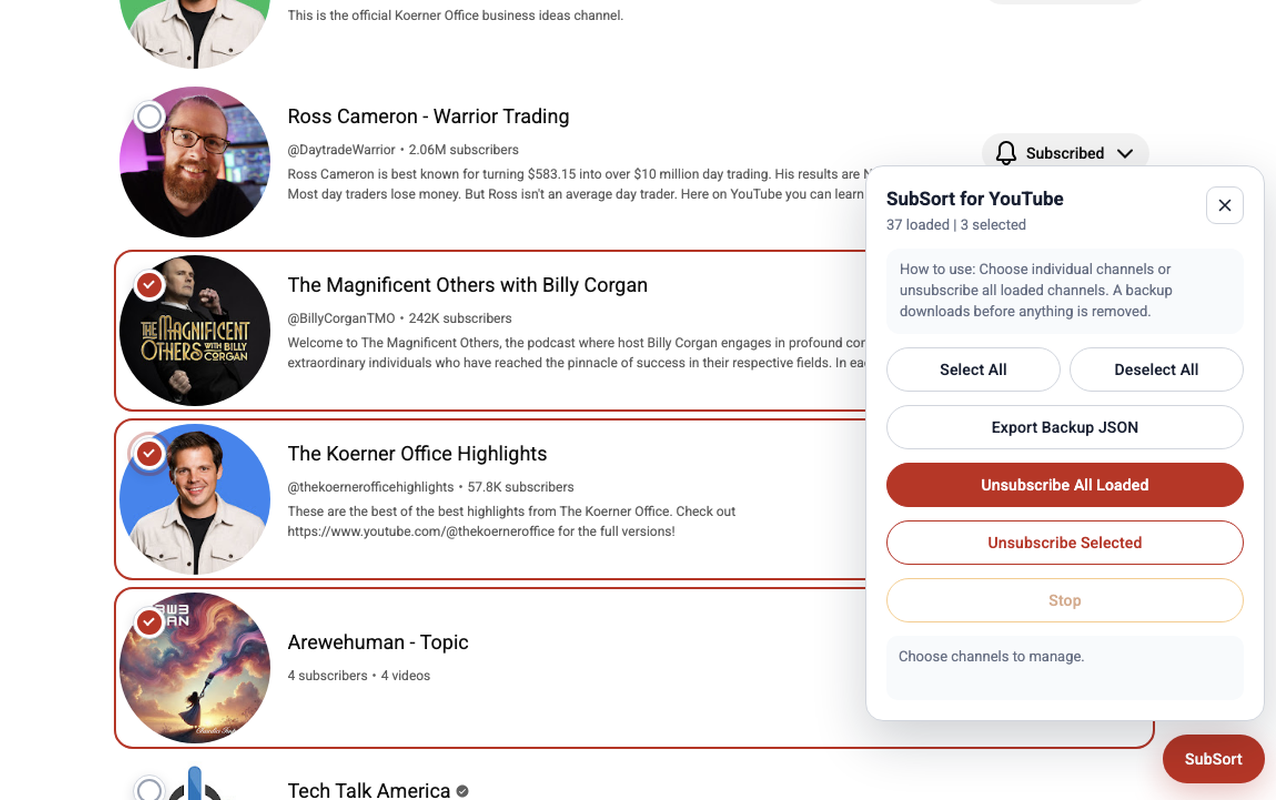
Select individual channels for a careful pass, or select all loaded channels when you are doing a broader cleanup.
Download a local JSON backup first, then use the unsubscribe actions with a clearer record of what changed.
SubSort keeps the YouTube list visible and adds the tools you need nearby: selected states, backup export, and clear unsubscribe controls.
SubSort is designed for local cleanup sessions. It focuses on the subscriptions page, exports your backup to your machine, and avoids turning a simple chore into another account or dashboard.
Read the full privacy policyVisit the extension repository for source code, release notes, and setup instructions while the Chrome Web Store listing is prepared.